

Core workflows for keeping developer Macs under control.
From repository breakdowns and smarter review flows to application cleanup and keyboard-first navigation, Room Service brings the main maintenance workflows into one focused desktop app.

Developer Vault
Keep secrets encrypted, organized, and off your desktop
Room Service provides a local encrypted workspace for API keys, tokens, certificates, private notes, and other sensitive developer assets. Import existing .env and .p8 files, protect them with Touch ID, auto-lock, and recovery support.
Local-First Security
Developer Secrets
Recipes
Turn repeatable cleanup into routines you can schedule
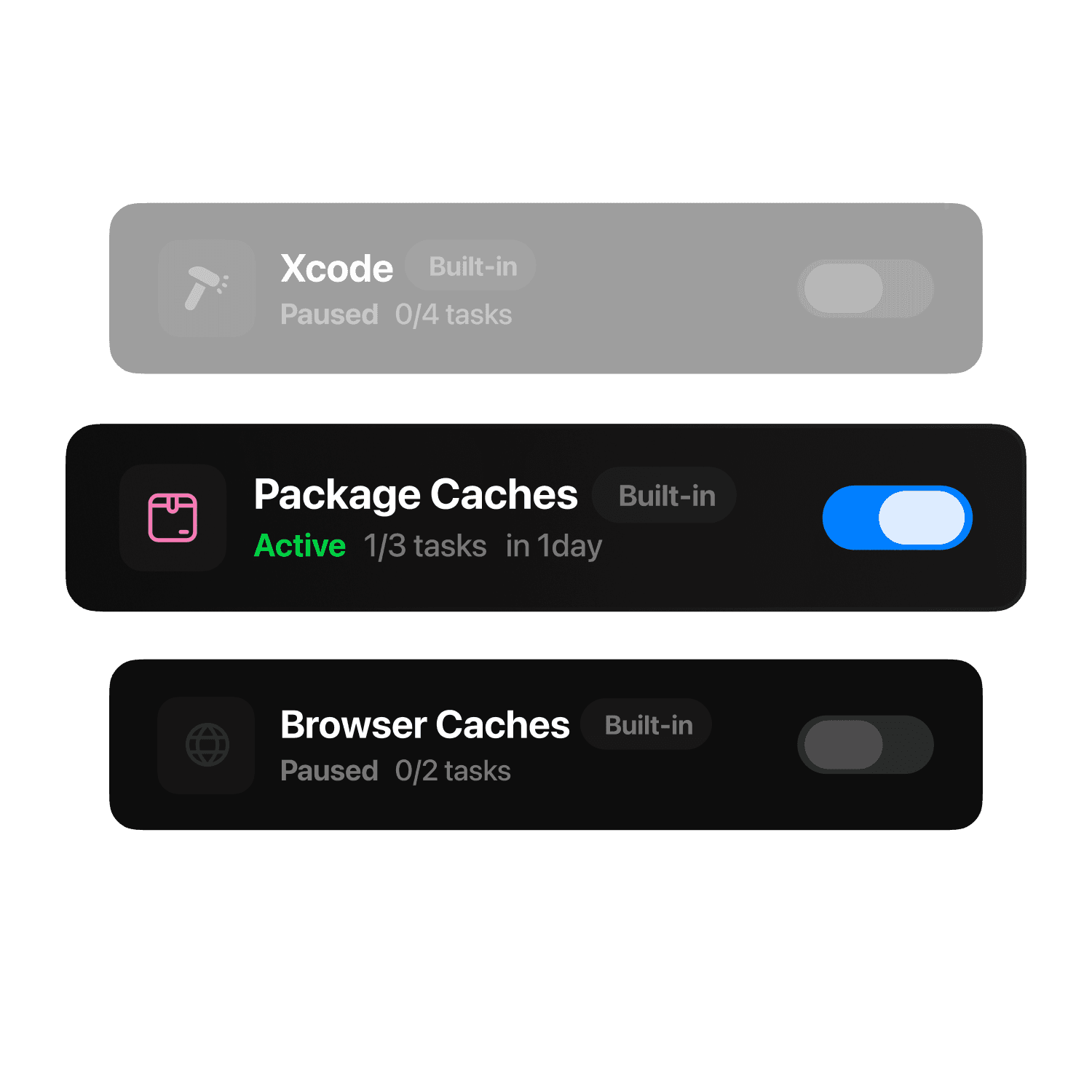
Recipes lets you turn recurring cleanup tasks into reusable routines you can schedule, export, and share, with approvals, history, and control in one dedicated workspace.
Scheduled Routines
Shareable Recipes
BuildWatchers
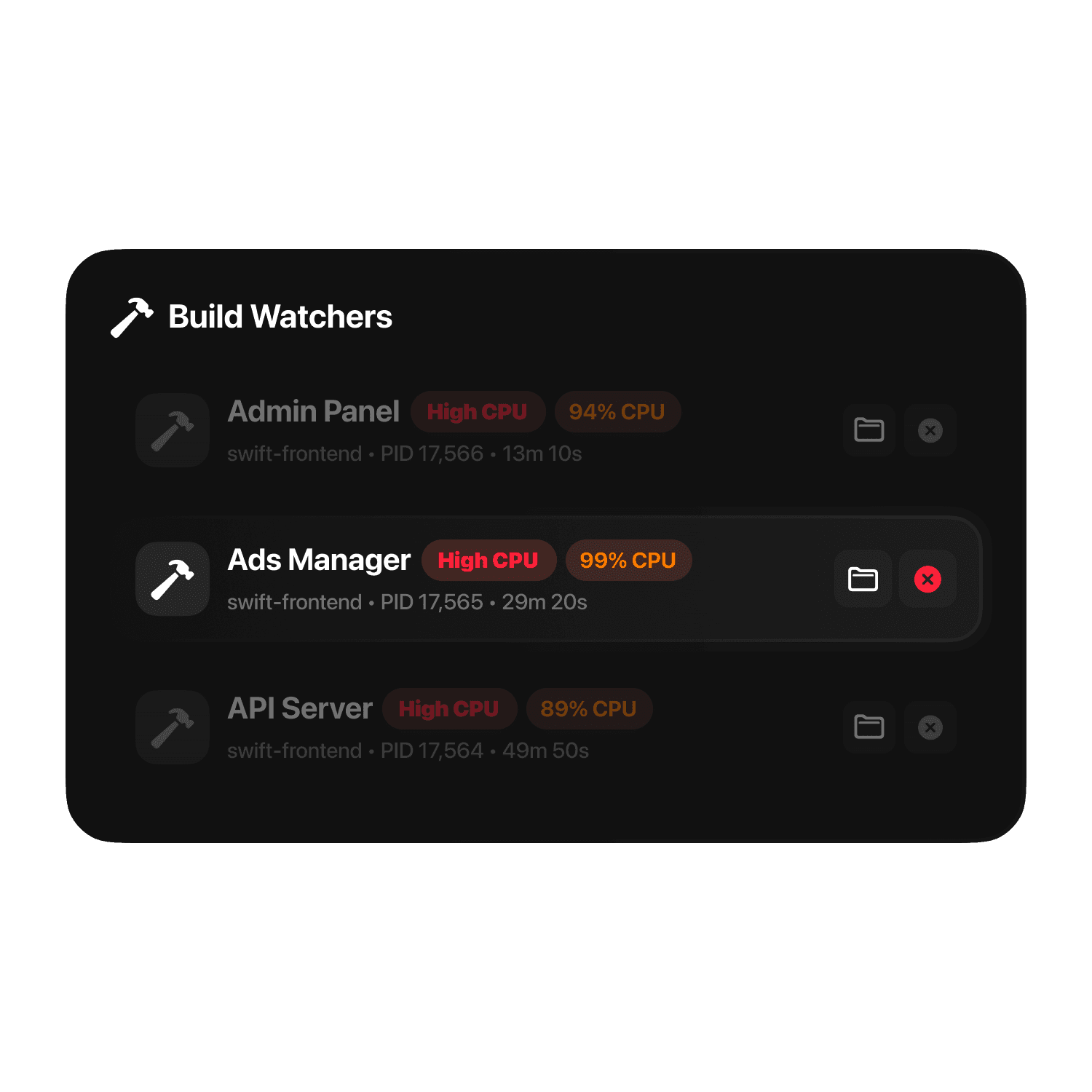
Catch runaway build and watch processes before they waste your machine
Room Service detects long-running project build and watch tools using sustained CPU or RAM, even when they do not open a local port. Review them from Home, the menu bar, and Command Palette, then jump to the project or stop the process with more context.
High CPU / RAM Alerts
Project-Backed Detection
Dev Ports
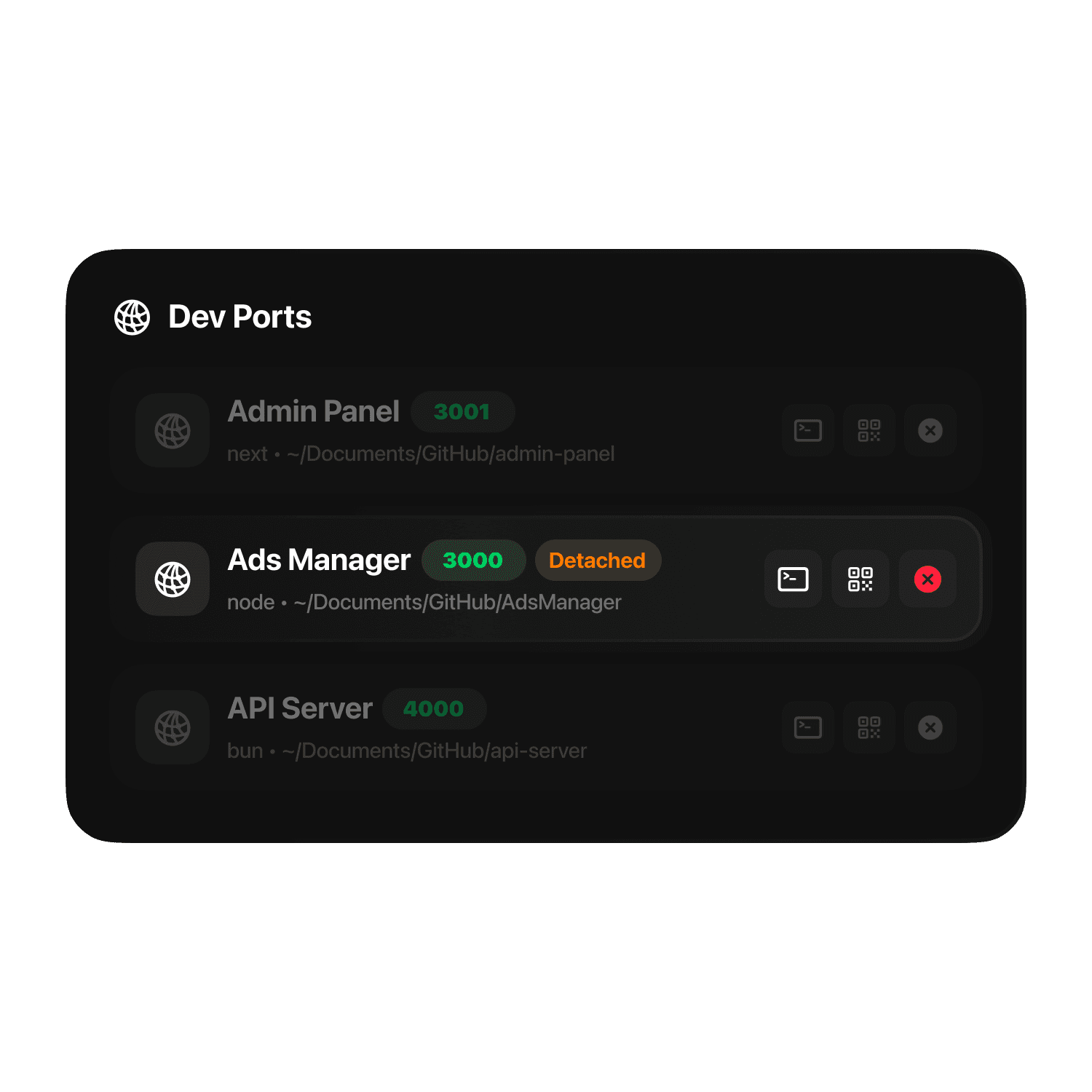
See which local servers are running, shareable, or stuck on localhost
Room Service detects active dev servers, links them back to project directories when possible, and surfaces actions across Home, the menu bar, Command Palette, and CLI. It can notify you when a new server starts listening, show whether a port is LAN-shareable or local-only, and let you copy a LAN URL or open a QR code when you want to test on another device.
Project-Aware Ports
Open or Stop Fast
Projects
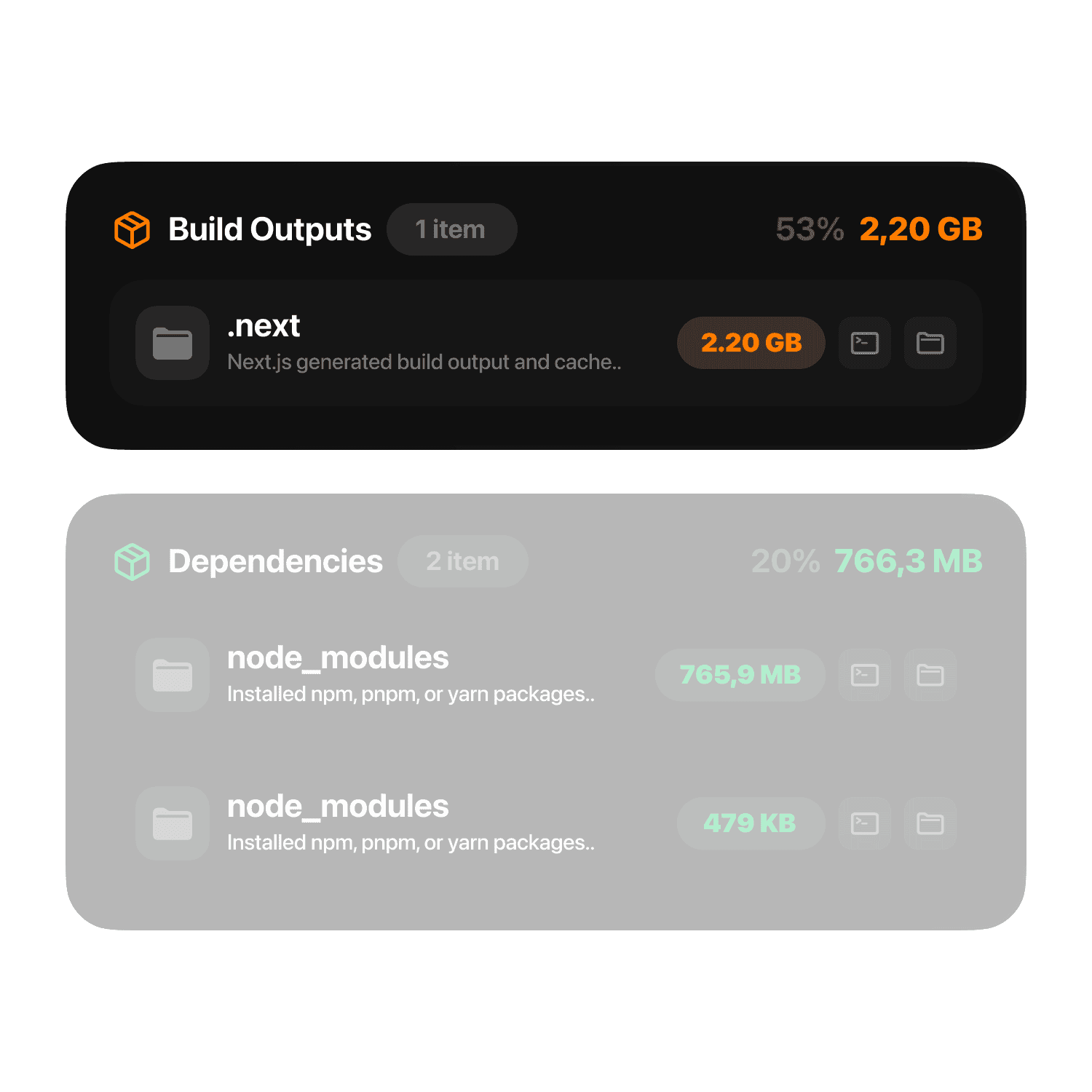
Understand why local projects get so large
Git Breakdown
Stack Detection
Smart Advisor
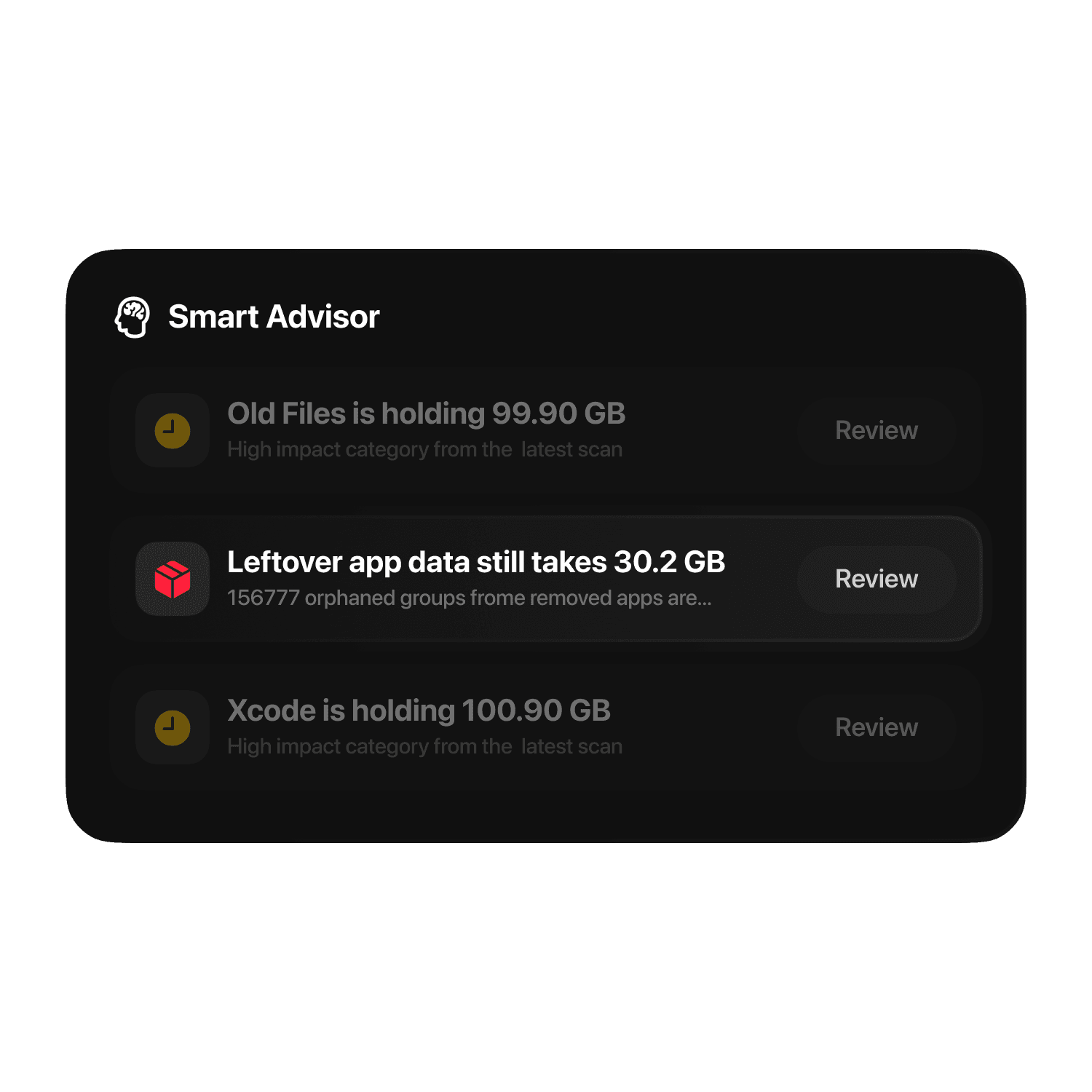
Turn scan results into clear next actions
Ranked Suggestions
Risk Signals
Developer Cleanup
Built for developer machines, not generic junk
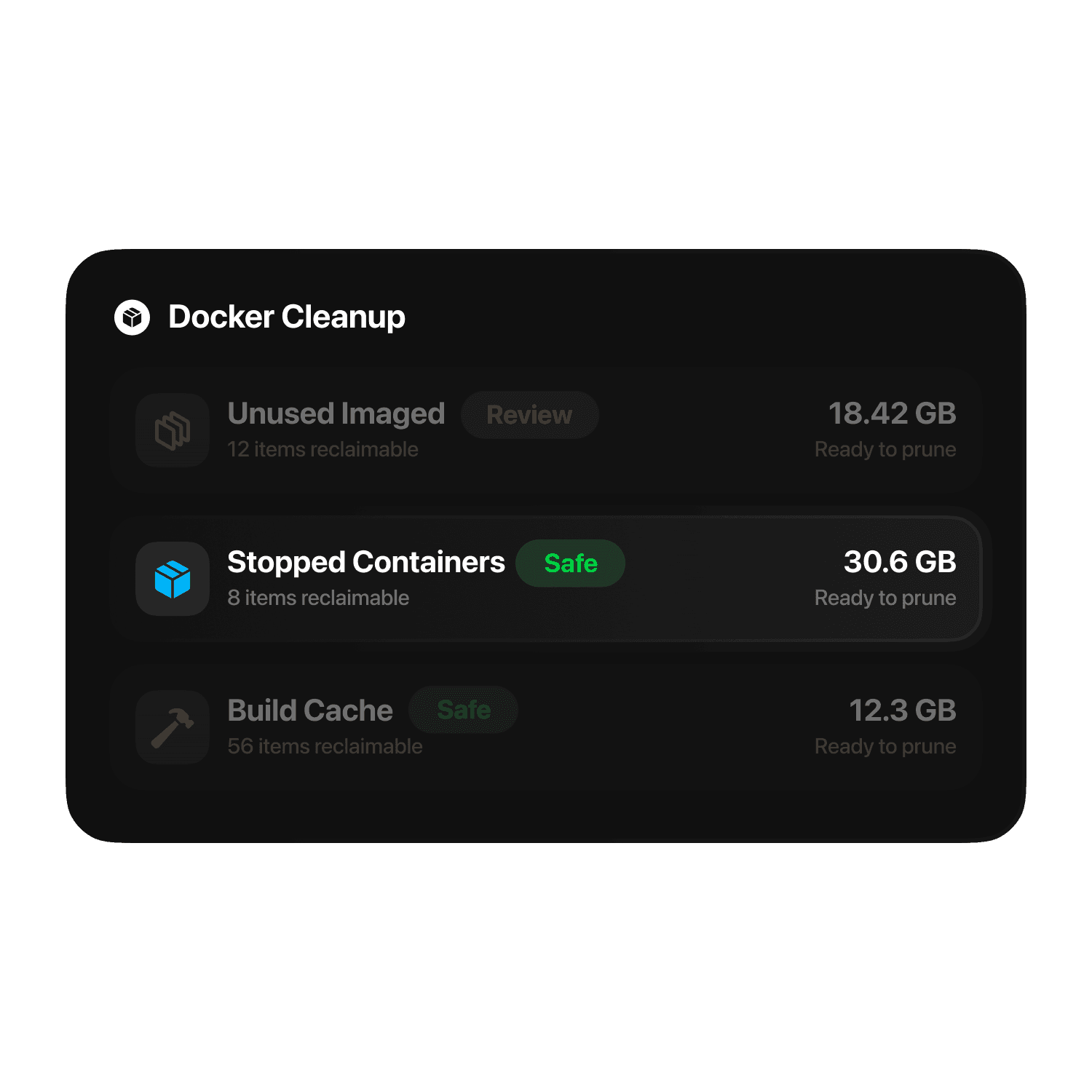
Room Service goes deep on Xcode, package managers, Docker, node_modules, Python environments, Android artifacts, design apps, code editors, and other rebuildable developer storage that consumer cleaner apps usually flatten or miss.
Dev-First Coverage
Rebuildable Storage
Applications
Go beyond uninstall and remove what apps leave behind
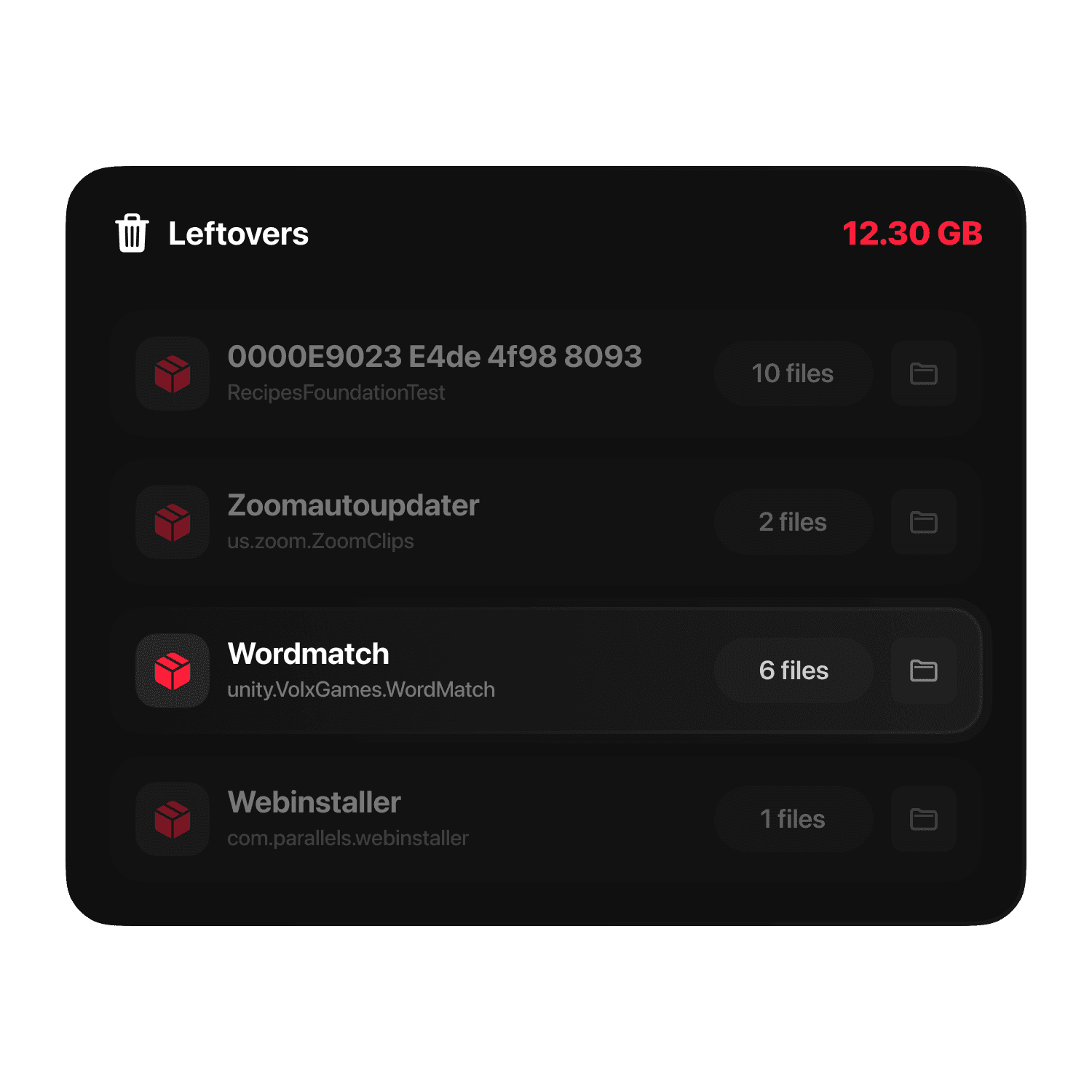
Room Service gives you a dedicated Applications workspace to inspect installed apps, identify rarely used software, and clear leftover support files that standard uninstall flows usually miss.
App Review
Leftovers
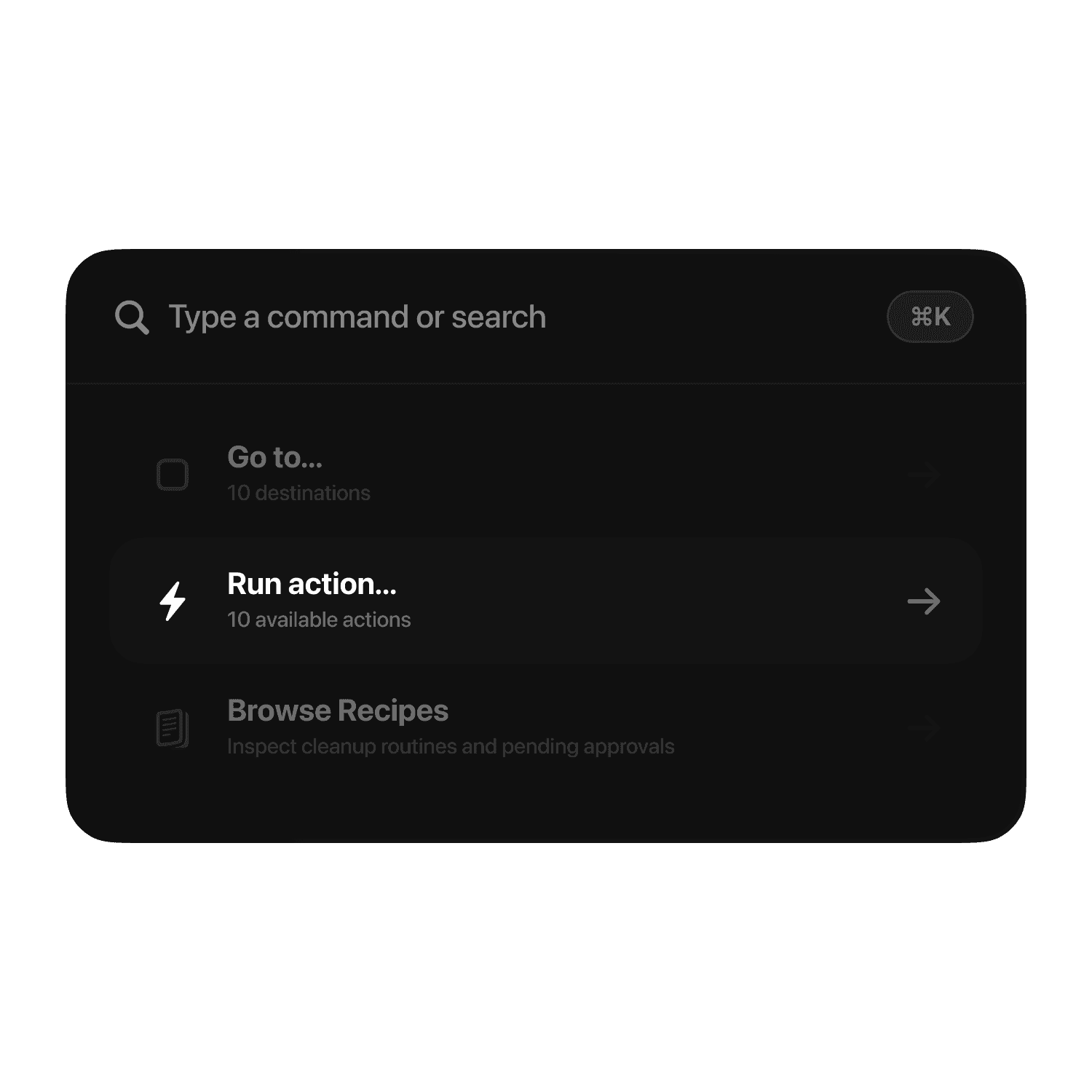
Command Palette
Move through Room Service without leaving the keyboard
The Command Palette turns navigation, cleanup actions, repository browsing, and key settings into a faster command-driven workflow built for power users and developer machines.
Power Workflow
Quick Actions
Simulator Monitor
Keep local simulators within reach
Room Service watches running iOS, tvOS, and Android simulators from the menu bar, so you can launch, stop, restart, or copy device details without digging through Xcode, Simulator, or emulator tooling.
Menu Bar Control
iOS
Privacy First
Your files stay on your machine.
No file contents, project data, or scan results ever leave your Mac.
Anonymous product analytics are optional and can be turned off at any time.
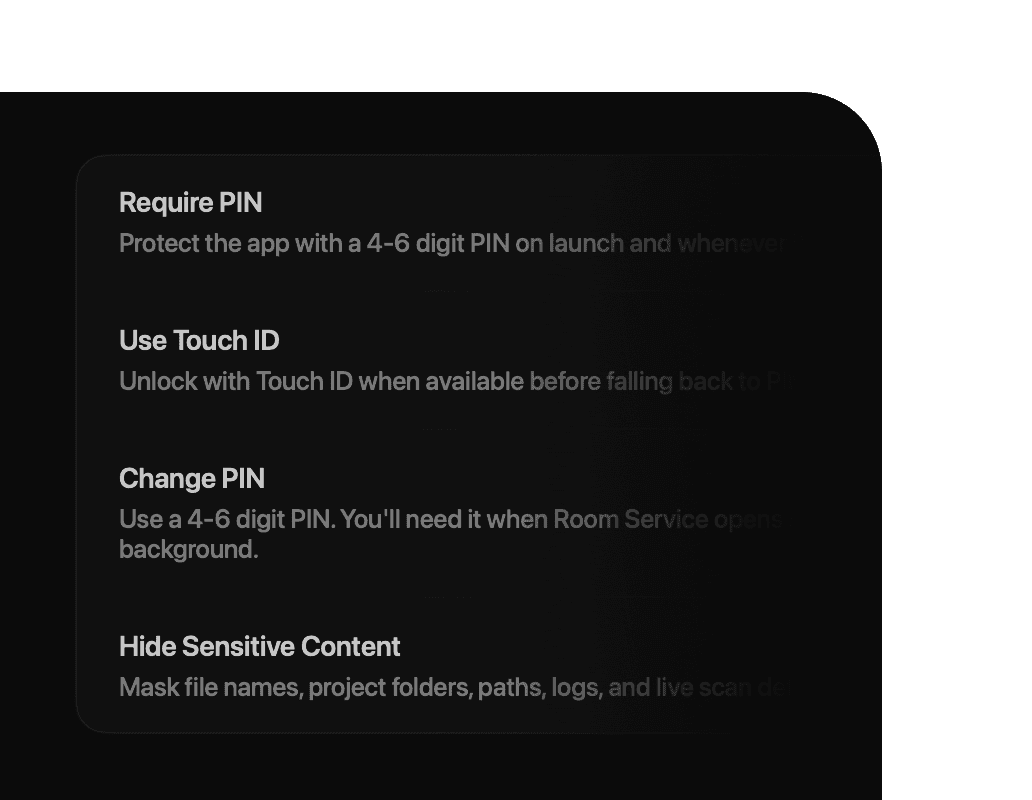
Multi-Language Support
Room Service includes built-in support for multiple languages, with the app experience designed to feel native across localized workflows.
English
German
Spanish
Italian
Turkish
French
Dutch
Portuguese (Brazil)
Polish
Russian
Japanese
Korean
Simplified Chinese
Traditional Chinese
Ukrainian
Vietnamese
Finnish
Norwegian
Czech
Danish
Greek
Hindi
Hungarian
Indonesian
Swedish
Thai
Free to inspect. Pro to act.
Room Service keeps scanning and review free. Pro unlocks the actions that change files, apps, startup behavior, or disk state.


Start with the free scan.
Room Service helps you find developer clutter, review it safely, and clean it on your terms. Scan for free on macOS, then unlock Pro when you are ready to run real cleanup.
Frequently Asked Questions
Find everything you need to know about Room Service.
What makes Room Service different from other Mac cleaners?
Room Service is built for Macs where storage problems come from real workflows, not just generic junk. It helps you review developer and power-user storage across Xcode, package caches, Docker, repositories, build outputs, code editors, local AI/model caches, duplicates, privacy traces, and project-specific artifacts. The difference is control. Room Service separates scan results into reviewable categories, shows risk context, supports Move to Trash by default, and can use Quarantine with Undo for safer cleanup. It also goes beyond cleanup with developer-focused tools like Project Health, Dev Ports, Docker Cleanup, Recipes, and operational alerts, so you can understand what is happening on the machine before removing anything.
What does Room Service scan?
What does Pro unlock?
Does Room Service delete files automatically?
Does Room Service upload my scan results or files?
Does Room Service collect telemetry or analytics?
Is Room Service free to use?
Can I undo a cleanup?
Do I need Full Disk Access?
How does Room Service reduce cleanup risk?
Does Room Service include a CLI?
How do I unlock or restore Pro access?
Does Room Service support privacy and app lock features?
Is Room Service available in multiple languages?
Which Macs does Room Service support?